


The virtual watercooler is one of those ideas that's easy to nod along to and surprisingly hard to shop for if your company runs on Google Workspace. Search "watercooler bot" and you'll find CultureBot (Slack and Teams only), Water Cooler Trivia (Slack and Teams only), Dewdropz (Teams only) — a whole category of tools that stop existing the moment you say "we use Google Chat." We know, because we checked each one's official site in July 2026 while researching our Donut alternatives guide. Here's what actually works in Google Chat, plus the prompt-writing craft that matters more than the tool.
Quick answer: Tribe is one of the few purpose-built icebreaker bots for Google Chat — its Friday Fun feature posts a conversation-starter thread to your Space, with two a month free at any team size. DailyBot can also deliver recurring fun questions as part of its broader check-in suite. The DIY route is to schedule your own rotating questions with Schedule Message.
Why the digital watercooler needs to be scheduled
In an office, casual conversation has physical infrastructure: the kitchen, the elevator, the five minutes before a meeting starts. Remote Google Chat workspaces have none of that — every message needs a reason to exist, so the only messages are work. The fix isn't telling people to "chat more" (nobody wants to be the person posting memes into silence). The fix is infrastructure: a recurring prompt that gives everyone permission and a topic at the same time. The team doesn't have to start the conversation — just join it. That's the entire trick, and it's why this works as a bot.
Option 1: Tribe — the purpose-built icebreaker bot for Google Chat
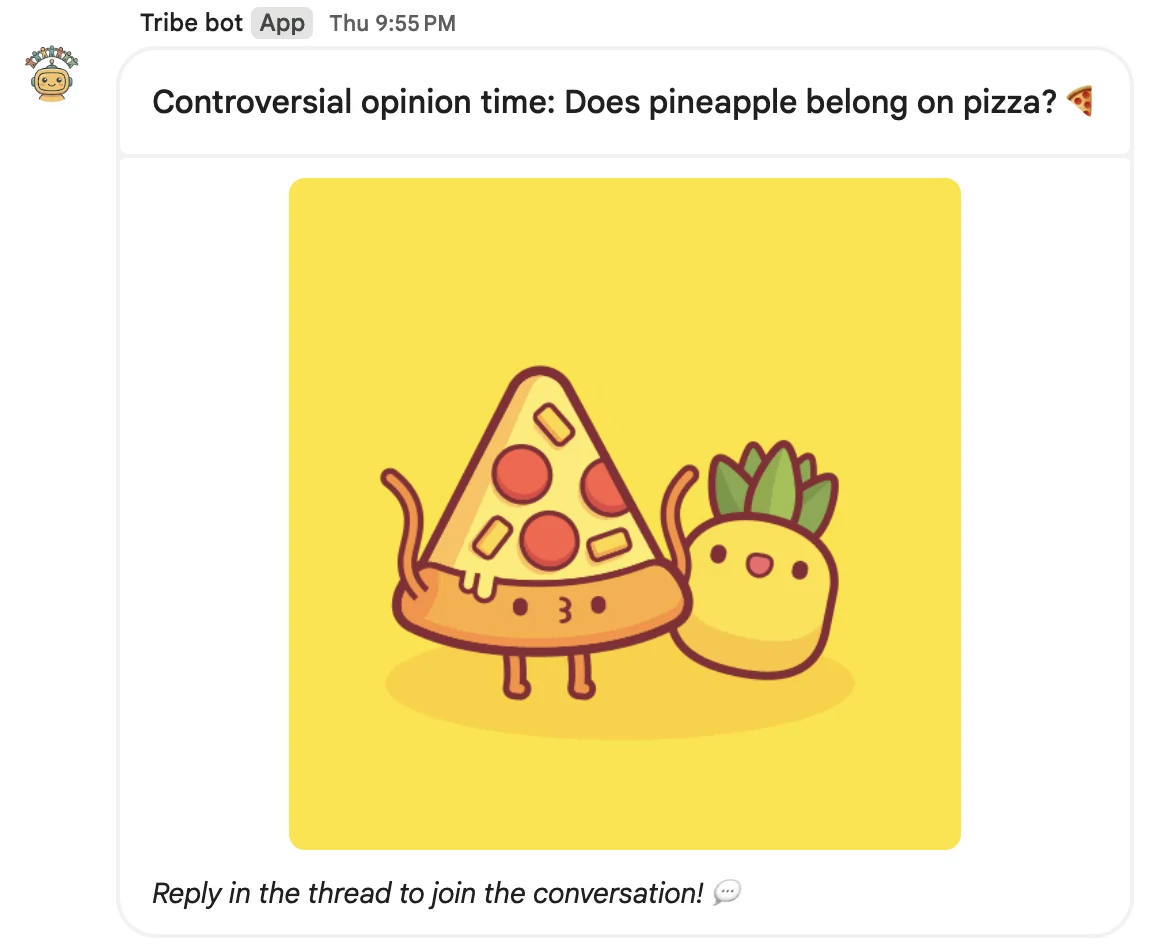
Tribe's Friday Fun posts one icebreaker thread a week to whatever Space you choose, at the day and time you set, in your Space's timezone. The prompt library rotates through photo-based show-and-tell, low-stakes debates, throwback questions, and weekend prompts — and Tribe never repeats a prompt in the same Space until it has exhausted the library. Two Friday Fun threads a month are free at any team size, it installs from the Google Workspace Marketplace in about a minute, and the same bot handles kudos (3 free a month), birthdays and anniversaries, coffee chat pairing, and new-hire intros when you want to grow into them — and a paid plan removes every cap.
Option 2: DIY with Schedule Message — your questions, sent as you
If you want full control over the questions — or you want the prompt to come from a human, not a bot — Schedule Message can run the ritual: write a batch of icebreakers, schedule them as recurring Friday messages, and they post under your name in the Space. A prompt from a teammate can pull even better than a prompt from a bot, because answering it is answering a person. The trade-off is curation: you're the prompt library, and when you run dry the ritual stalls. (Steal from the list below and our 50 standup questions — the fun section recycles beautifully.)
Option 3: DailyBot — if you're already using it for standups
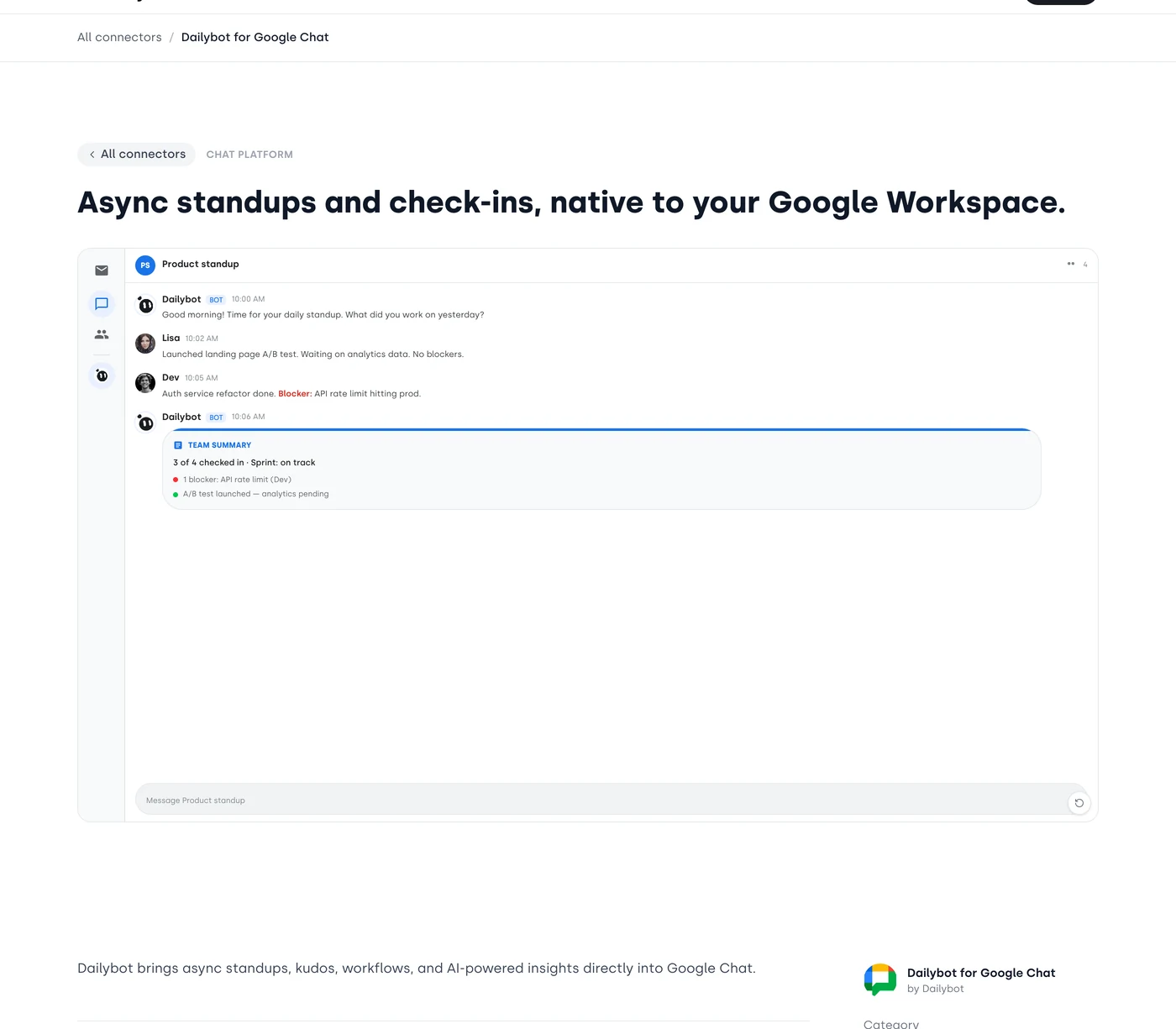
DailyBot is one of the few platforms with real Google Chat support (Essentials at $2.40/user/month billed annually). It's a standup and check-in tool first, but its check-in engine can deliver recurring fun questions too. If DailyBot is already running your standups, using it for a weekly fun check-in is sensible; installing it just for icebreakers is paying for a lot of machinery you won't use.
The tools that won't work (save yourself the trial)
Verified on their official sites in July 2026: CultureBot lists Slack and Teams, Water Cooler Trivia lists Slack and Teams, Dewdropz is Teams-only, and Donut Watercooler is a Slack feature. None lists a native Google Chat app, so they are not direct options for a Google Chat Space even if they appear in broader watercooler roundups.
10 icebreaker prompts tuned for Google Chat Spaces
Prompt craft matters more than tool choice. Three rules: make it answerable in under a minute, make it slightly opinionated, and never ask anything that can be answered with one word. A starter pack:
- Post a photo of your desk right now. No cleaning first — we'll know.
- What's the best thing you ate this week, and where?
- Unpopular opinion time: what's something everyone loves that you don't get?
- What tab has been open on your browser the longest, and why won't you close it?
- You get to add one completely unnecessary feature to our product. What is it?
- What did you want to be when you were 8, and how close did you get?
- Rate your week out of 10 and tell us the number's story in one sentence.
- What's the last thing you Googled that wasn't for work?
- Coffee order as a personality test: what's yours? ☕
- If you could teleport home for lunch every day, would you? (Harder than it sounds.)
One prompt a week is the sweet spot. Daily icebreakers train the team to scroll past the bot; weekly keeps it an event. If the first two weeks feel quiet, have two or three people lined up to answer early — replies beget replies.
Conclusion
Google Chat has fewer purpose-built icebreaker tools than Slack or Teams. Tribe is the focused option for an automatic weekly channel prompt; Schedule Message works when you want to write and send your own recurring questions; DailyBot is the broader automation suite that also supports Google Chat. Whichever route you choose, start weekly and use specific prompts that invite a story rather than a one-word answer.