

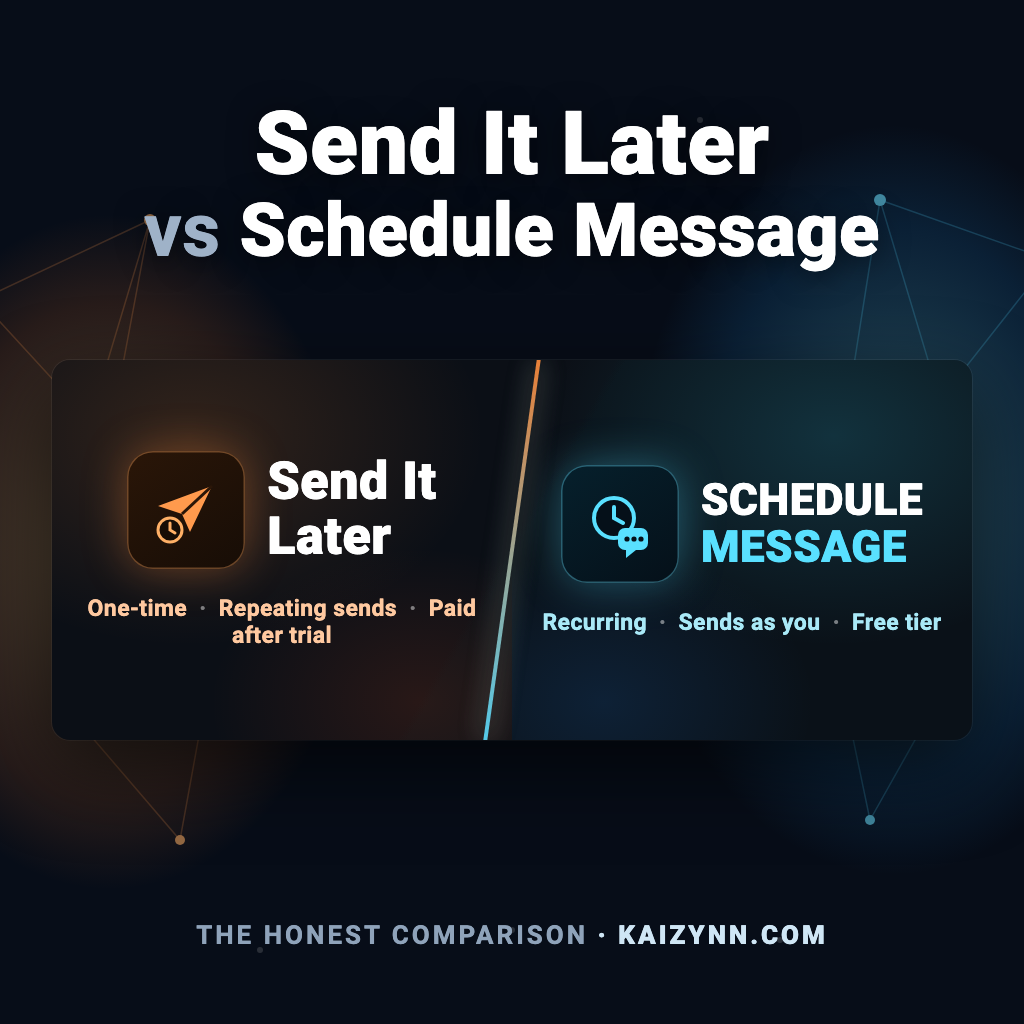
Send It Later is the most-installed message scheduler on the Google Workspace Marketplace — 132K+ installs, and it's been around longer than Schedule Message. So why would anyone pick the newer app? Short answer: because the two make very different bets on what you should pay for — and since Google Chat started scheduling one-time messages natively in December 2025, that bet matters more than any feature list.
Full disclosure: we build Schedule Message. This is the comparison I'd want if I were choosing — including the places Send It Later is genuinely the better pick. Every claim about their product comes from their own site and docs, checked July 2026.
The 30-second answer: both apps schedule one-time and recurring Google Chat messages, and both post as you, not a bot. Two real differences. Price: Send It Later has no free tier — after a 3-week trial everything costs $5–$95/month per workspace, and their entry plan ($5/user) is nearly double Schedule Message's $2.63. Schedule Message is free forever for unlimited one-time messages plus 1 recurring schedule, and only charges the people who run 2 or more recurring schedules. Depth: Schedule Message also ships 50+ ready-to-use templates and a daily calendar-agenda DM, which Send It Later doesn't. The one reason to pick Send It Later: you need to blast one message to many spaces at once (their broadcast beta).
What's the same (more than you'd think)
Both apps work the same way at the core: install from the Marketplace, trigger from a chat space (/later for Send It Later, /schedule for Schedule Message), pick a time, and the message posts on schedule. Both support recurring messages. And — this surprises people — both send the message as you, under your own name and avatar, not as a bot. If someone tells you send-as-you is unique to either app, they're out of date.
What's actually different
| Send It Later | Schedule Message | |
|---|---|---|
| Marketplace installs | 132K+ (the incumbent) | Newer, growing |
| One-time scheduling | ✓ | ✓ (Google Chat also does this natively now, free) |
| Recurring messages | Daily, weekly, monthly | Daily, weekly, monthly + custom intervals |
| Sends as you (not a bot) | ✓ | ✓ |
| Broadcast one message to many spaces | ✓ (beta) | ✗ — one space per schedule |
| Daily calendar agenda DM | ✗ | ✓ (built-in calendar digest) |
| Ready-made message templates | ✗ | ✓ (50+ templates) |
| @mentions in scheduled messages | Via /later command only, not the dialog (per their docs) | Supported in the dialog |
| Free after the trial | Nothing — 3-week trial, then paid only | Unlimited one-time + 1 recurring schedule, forever |
| Entry paid price | $5/user/month (their cheapest plan) | $2.63/month for 1 user — about half (flat $14.25/mo covers 20 users) |
| Paid pricing model | $5–$95/month per workspace — whole workspace pays after the trial | Free unless you run 2 or more recurring schedules; only power users need a seat |
| Slack version | Separate app, separate subscription | Same app |
The elephant in the SERP: Google Chat schedules messages natively now
Since December 2025, Google Chat can schedule a one-time message by itself — free, built-in, no app. It can't do recurring, and there are other gaps, but it permanently changed this comparison: you should never pay anyone just to send a message later anymore. The only reason to install either app in 2026 is recurring messages — standups, weekly reminders, check-ins that repeat. Judge both apps on that.
The pricing math, honestly: a solo user pays Send It Later $5/month after the trial — nearly double Schedule Message's $2.63/month (and Schedule Message's first recurring schedule is $0 forever). For a 30-person team it's not close: Send It Later charges the whole workspace once the 3-week trial ends — there's no free option — while Schedule Message only bills the handful of people who actually run 2 or more recurring schedules. Everyone else on the team stays free, so a real team's Schedule Message bill is usually a few power users, well under Send It Later's flat fee. You'd only come out ahead on Send It Later in the rare case where literally your entire team are heavy schedulers.
When Send It Later is the right pick
- You need to broadcast one message to many spaces at once. Their multi-space broadcast (beta) is genuinely useful for company-wide announcements, and Schedule Message doesn't have it yet.
- You want the most battle-tested option. 132K+ installs is real social proof; the app has been doing this one job for years.
- Your entire team schedules heavily and you'd rather pay one flat workspace fee. In that specific case Send It Later's $38–$95/month can be simpler than counting seats — though for most teams it works out more expensive, since you're paying for everyone whether they schedule or not.
When Schedule Message is the right pick
- You want a free tier that doesn't expire. Unlimited one-time messages and 1 concurrent recurring schedule, free forever. Send It Later gives you 3 weeks, then a paywall on everything.
- You're a solo user or small team. $0 covers most people; a power user is $2.63/month — half Send It Later's cheapest plan.
- You want more than a scheduler. A daily calendar agenda DM, ready-made team-ritual templates, custom recurrence intervals, and the same app on Slack — no second subscription.
- You want @mentions without workarounds — Send It Later's own docs note mentions only work through the raw
/latercommand, not their scheduling dialog.
Frequently asked questions
Is Send It Later free for Google Chat?
Does Google Chat have built-in message scheduling?
Do Send It Later messages send as me or as a bot?
What's the best free way to send recurring messages in Google Chat?
Can I schedule one message to multiple spaces at once?
Both are good tools built for the same job. If the free tier fits your team — and for most teams it does — you know which one to try first.